My Store
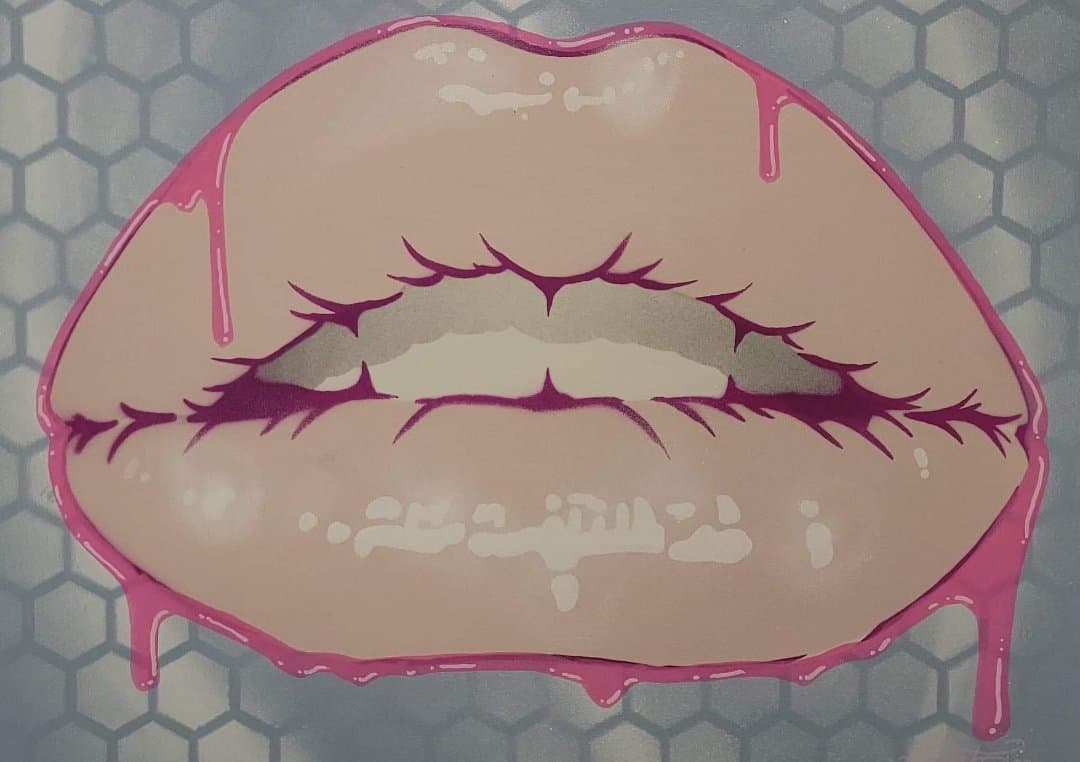
Lip Prune Stencil (DOWNLOAD ONLY)
Lip Prune Stencil (DOWNLOAD ONLY)
Couldn't load pickup availability
Lip Prune Stencil (DOWNLOAD ONLY) This is the downloadable version of our prune lip stencil. You can change the size of the image but make sure that it is sized together so that things line up correctly. This is for the svg and jpg file only - no tangible stencil will be shipped. Once you purchase this file - you will get a link to download. The file types to download are both JPG and an SVG version as well. A JPEG file is one that has a foreground and a background and SVG are see through. You can use jpg format to make a stencil if you do not have a program to read svg or vector files. This website has useful info on making a stencil from a JPG image file: https://itstillworks.com/13332934/how-to-make-a-stencil-from-a-jpg An SVG file is one that is most likely a Scalable Vector Graphics file. These file types use an XML-based text format to describe how the image should appear. Since text is used to describe the graphic, an SVG file can be scaled to different sizes without losing quality (ie: the format is resolution-independent). You can open SVG files using the following programs: Adobe illustrator, Adobe photoshop, Photoshop elements, InDesign Programs, Adobe animate, Microsoft Visio, CorelDRAW, Corel PaintShop Pro and CADSoftTools ABViewer. Inkscape, GIMP and Vectornator are free programs for use with SVG files, but you have to download them to open the file. To edit one in your browser (no download necessary), you can try Photopea. Of all of these, we use Inkscape the most and haven't tried the others (other than Adobe Illustrator.)
Share